





INDUSTRIES / EV CHARGING
EV Charging Display Integration
Application Environment
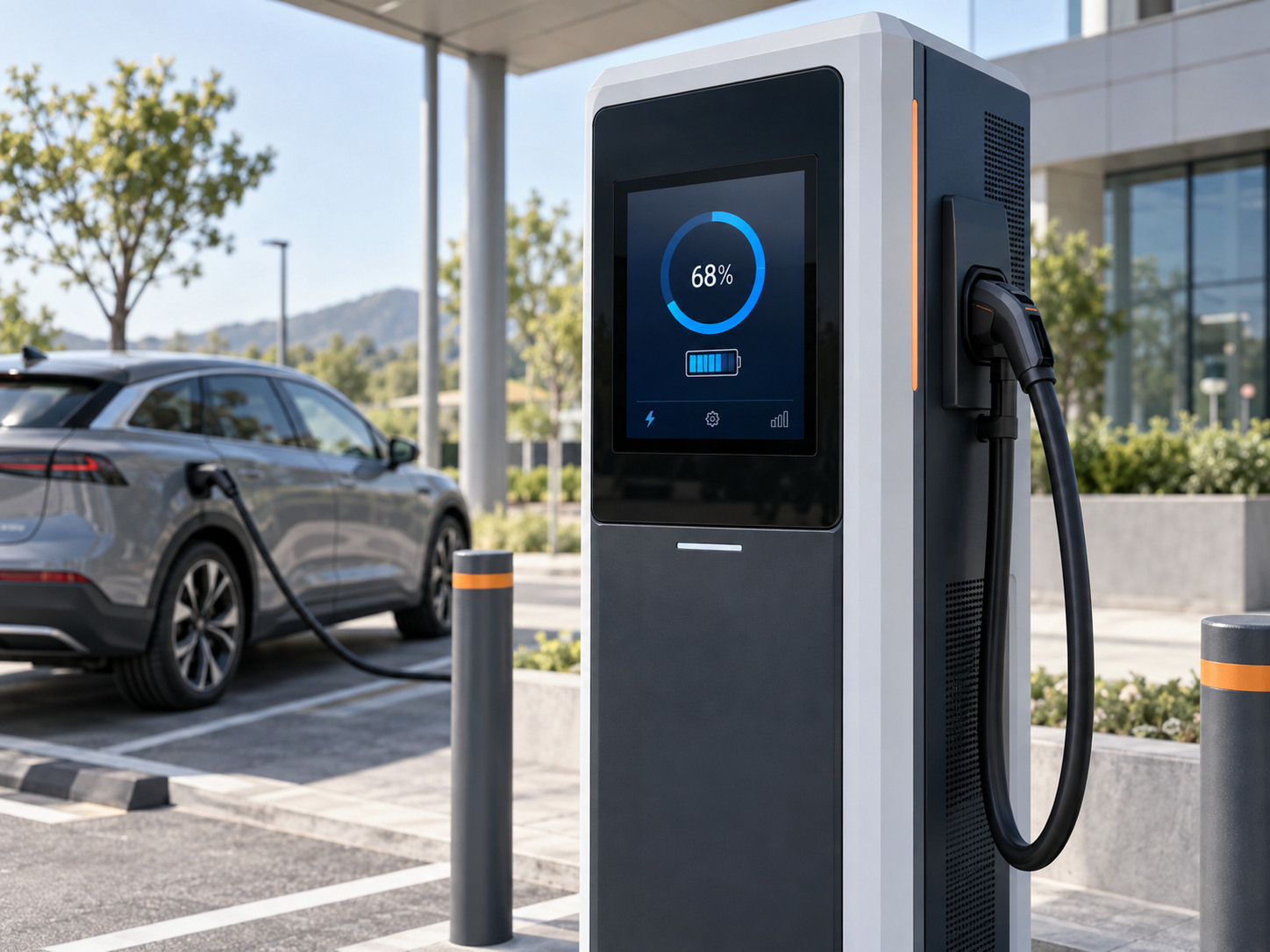
EV charging display integration starts with the installation and operator needs. Proposed application: an embedded display and touch module on a public charging cabinet.
A user reads instructions and charging status while standing in front of the cabinet. Define sun exposure, rain on the screen, outdoor storage conditions and heat from equipment behind the display. The charging enclosure and front module share the weather-protection boundary.
Temperature & front protection
Specify ambient and internal powered temperatures separately from storage. If front IP65 is required, verify the front module with its intended gasket and cabinet opening. Do not infer operating limits from the −40 to +85°C storage range of another project.
02 / APPLICATION CHALLENGES
Display & HMI Challenges
Reflections in changing daylight
Check the viewing angle, front reflection and available thermal margin together when selecting the LCD.
Rain and user input
Define behaviour with droplets on the cover and with the intended gloves. Water rejection and successful intentional touch need separate acceptance criteria.
Exposure and service access
Assess front-surface durability, cable routing near power electronics and replacement access inside the cabinet.
03 / INTEGRATION STRUCTURE
EV charging display integration approach
Display and cover selection
Evaluate LCD readability and cover treatment at the intended outdoor location; use bonding where the stack review supports it.
Touch control under defined conditions
Match the sensor, controller, cover thickness and installed grounding. Evaluate the chosen combination under the agreed wet and glove conditions.
Cabinet integration
Use a front frame, perimeter gasket and supported mounting points matched to the cabinet; coordinate cable paths with the charging-system designer.
04 / DELIVERY FORM
EV charging display integration: proposed delivery
Proposed delivery: a front-mounted display and touch module for an EV charging cabinet.
- LCD, cover and touch sensor as a coordinated front stack
- Selected touch controller and agreed display/touch connections
- Mounting carrier and specified front sealing components
Charging power electronics, payment hardware, charging software and charger-level certification are not included in this proposed HMI module.
Develop the layout through engineering review, then agree the assembly verification plan. Send your application requirements to define the project scope.
Use the display integration project brief checklist to organize the drawings and open questions. Our engineering resources also cover component inputs and inspection records.