





INDUSTRIES / INDUSTRIAL AUTOMATION
Industrial Automation HMI Integration
Application Environment
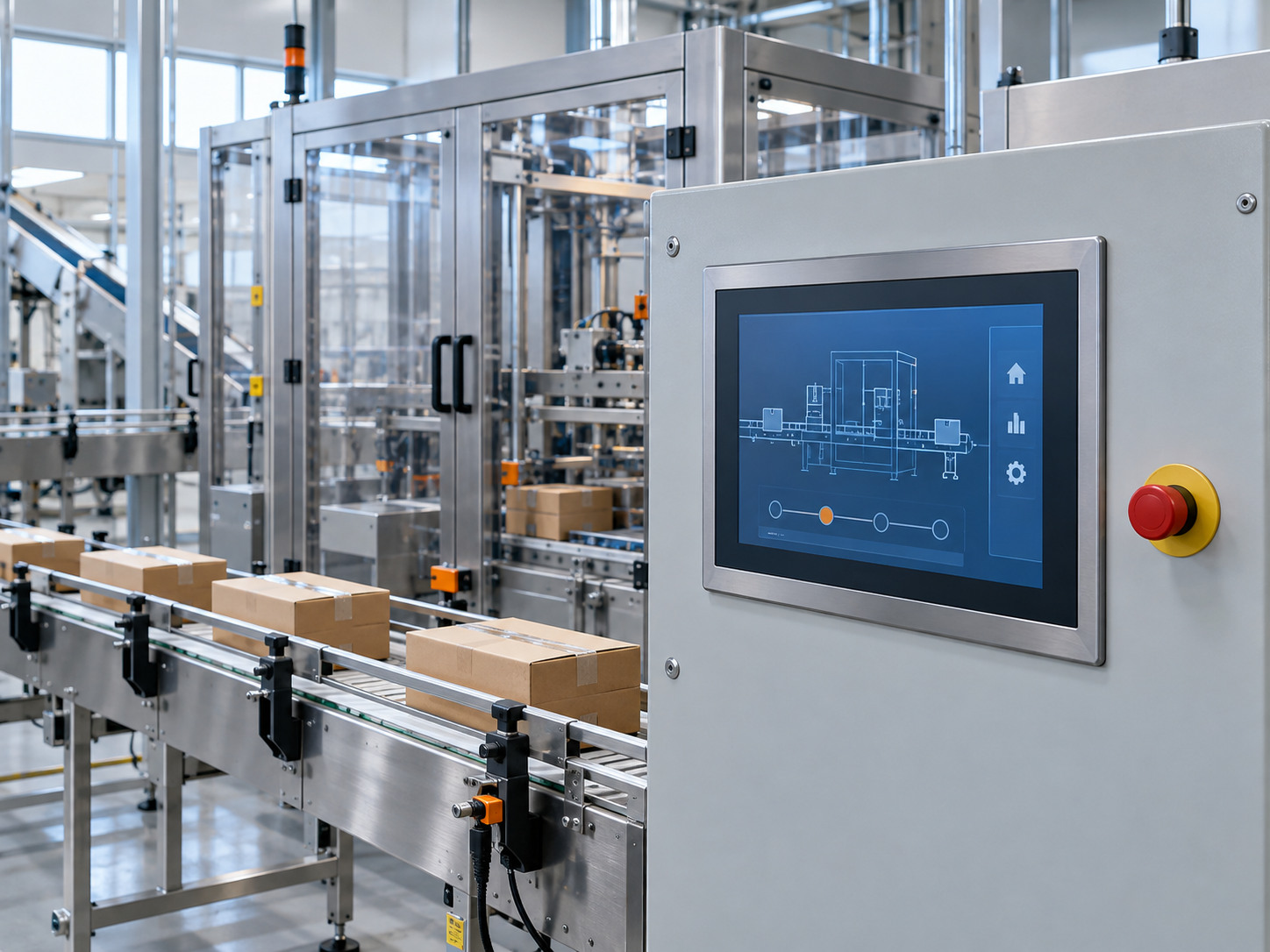
Industrial automation HMI starts with the installation and operator needs. Proposed application: a panel-mounted terminal for a packaging or production machine.
The operator reads machine status and enters settings from the front of a control cabinet. Define exposure to production dust, cleaning splashes and nearby drives; the rear of the HMI remains inside the cabinet. Front-panel protection and cabinet protection must be specified together.
Temperature & front protection
Specify the powered operating range at the installed panel, including heat from the cabinet. A storage-temperature range does not establish an operating rating. If front IP65 is required, qualify the selected assembly in its intended mounting.
02 / APPLICATION CHALLENGES
Display & HMI Challenges
Readable from the working position
Assess overhead lighting, reflections and the operator viewing angle before choosing the LCD and surface treatment.
Gloves and unintended inputs
Identify the actual glove and cleaning conditions. Check the touch sensor and controller as an installed combination, including possible interference from machine electronics.
A constrained cabinet cut-out
Panel depth, fastening access and cable bend space can determine whether an otherwise suitable display will fit.
03 / INTEGRATION STRUCTURE
Industrial automation HMI approach
Optical stack
Evaluate cover glass, touch sensor and LCD as one stack; consider optical bonding where internal reflections justify it.
Front mounting and seal
Use a metal carrier around the specified cut-out with a continuous front gasket. Define the mating surface and fastening pattern before setting a protection target.
Electrical integration
Position the touch controller and specified connectors for cabinet access. Agree grounding, cable routing and the input map with the equipment team.
04 / DELIVERY FORM
Industrial automation HMI: proposed delivery
Proposed delivery: a panel-mount display and touch assembly for installation in the customer’s control cabinet.
- LCD and selected touch sensor in a coordinated front assembly
- Cover glass or overlay, metal carrier and project-defined front gasket
- Touch controller and agreed interconnects; optional physical keys where specified
The cabinet, machine controller and machine-control software remain part of the equipment project unless separately included.
Develop the layout through engineering review, then agree the assembly verification plan. Send your application requirements to define the project scope.
Use the display integration project brief checklist to organize the drawings and open questions. Our engineering resources also cover component inputs and inspection records.