





Home / Optical Bonding
04 / OPTICAL BONDING
OCA Optical Bonding for Industrial Displays
OCA optical bonding joins compatible optical layers with a clear adhesive film. We review your touch panel, display and application requirements to define the bonding scope.
See the equipment in operation · Production excerpt
How OCA optical bonding connects the layers
OCA means Optically Clear Adhesive. In film bonding, a transparent adhesive layer joins compatible optical surfaces, replacing the air gap at the bonded interface.
Reduce internal reflections
Replacing an air interface can help improve contrast and readability. The result depends on the complete optical design.
Connect the optical stack
The adhesive connects the selected layers. Material compatibility, alignment and the intended environment guide the bonding design.
Start with the layers you need to bond.
A project may bond a cover lens to a touch sensor, or a compatible touch assembly to an LCD module. Each interface needs its own material and process review.
Cover glass / film
↓ OCA film ↓
Touch sensor
Touch assembly
↓ OCA film ↓
LCD module
Illustrative interfaces, not a mandatory five-layer construction. OCA thickness and suitability are confirmed for the selected surfaces and components.
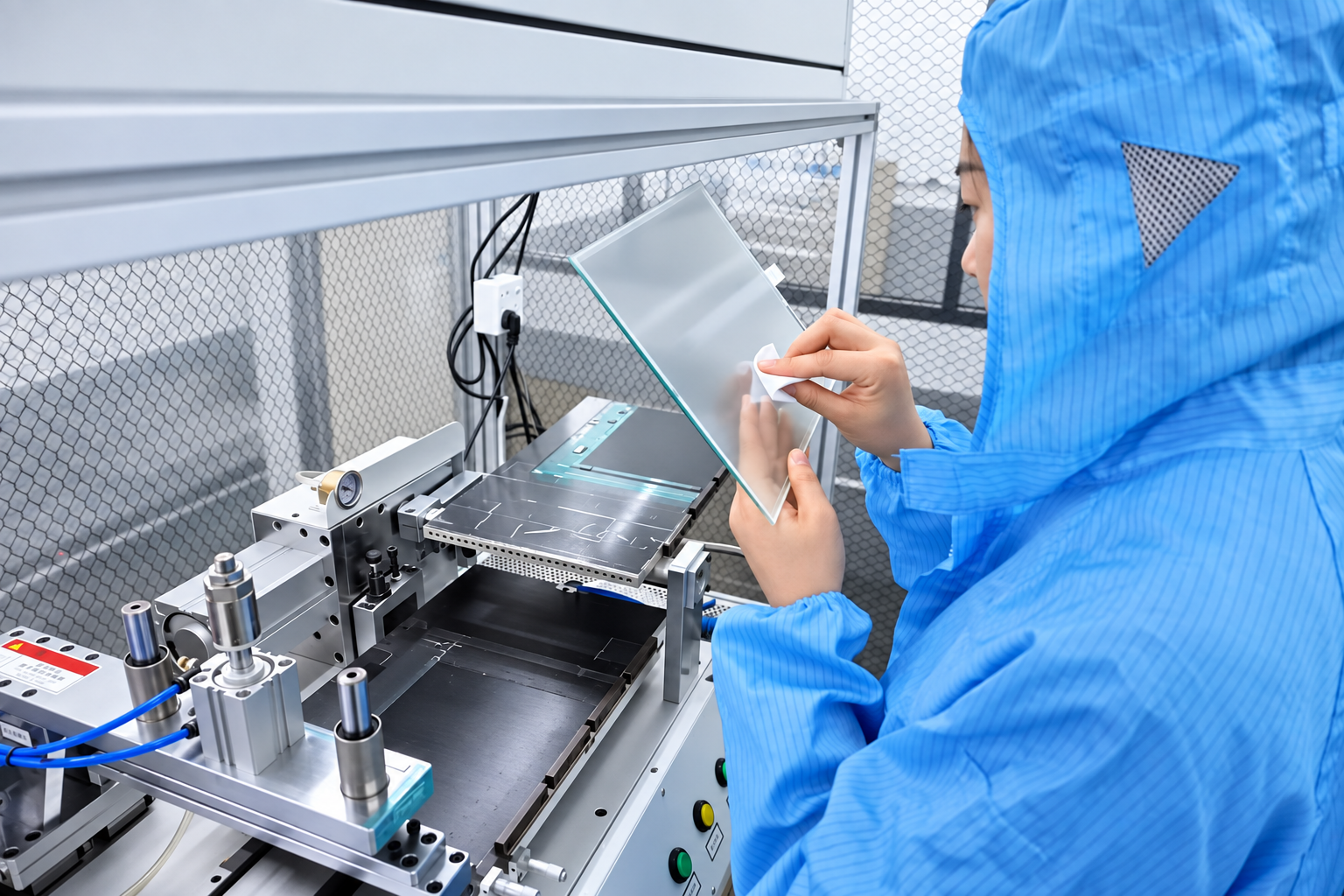
01 / TP INSPECTION
Check the touch panel before bonding.
The operator checks the touch panel (TP) before it moves into the bonding process. Surface condition and handling matter because the bonded area will remain visible in the finished optical stack.
- Review visible surface condition
- Look for contamination or damage
- Prepare the panel for the agreed bonding operation
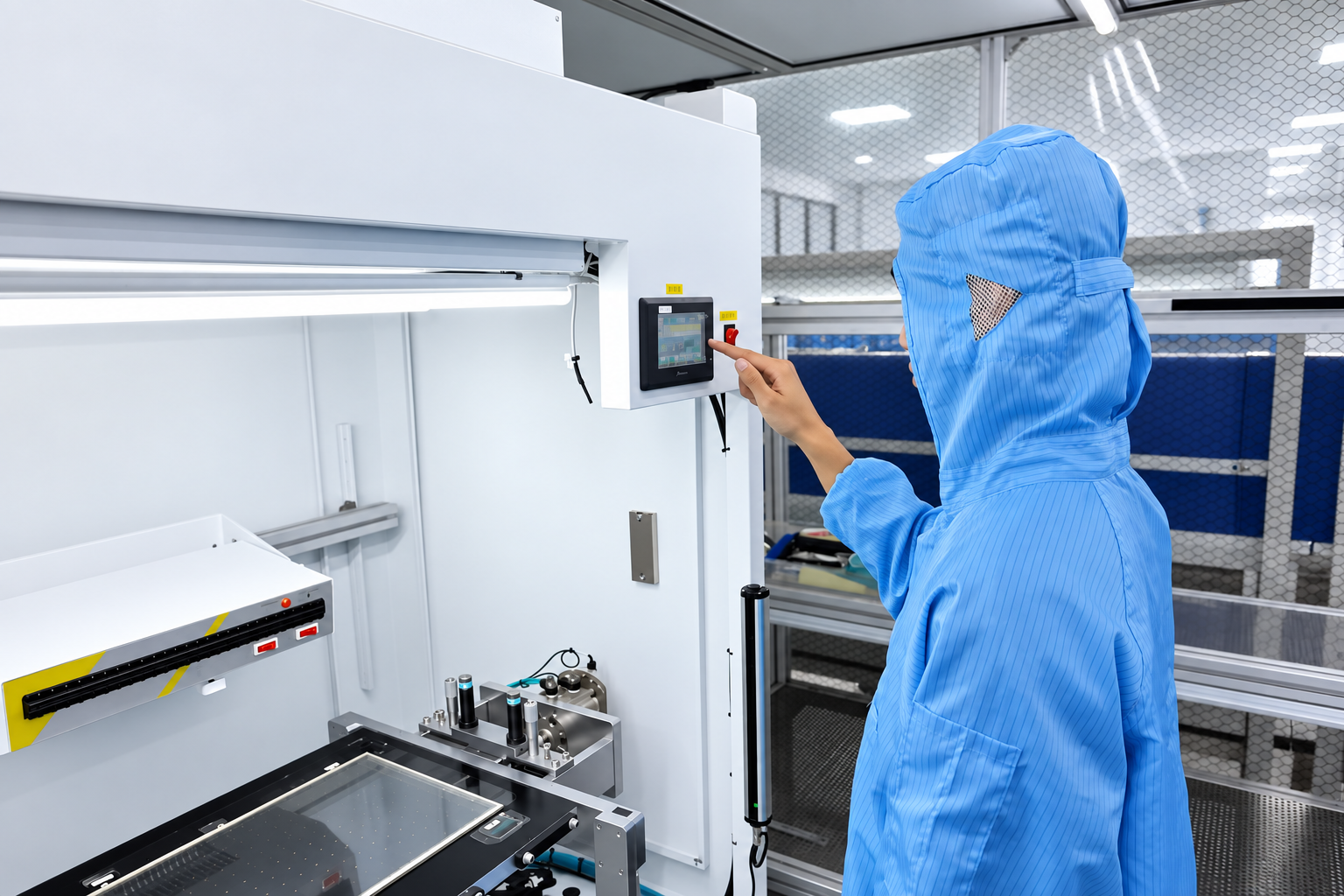
02 / EQUIPMENT SETUP
Match the setup to the product.
The technician adjusts the equipment for the product being processed. The setup must suit the panel, adhesive and positioning requirements.
- Review the product and fixture arrangement
- Check the positioning references
- Confirm the applicable machine settings before the run
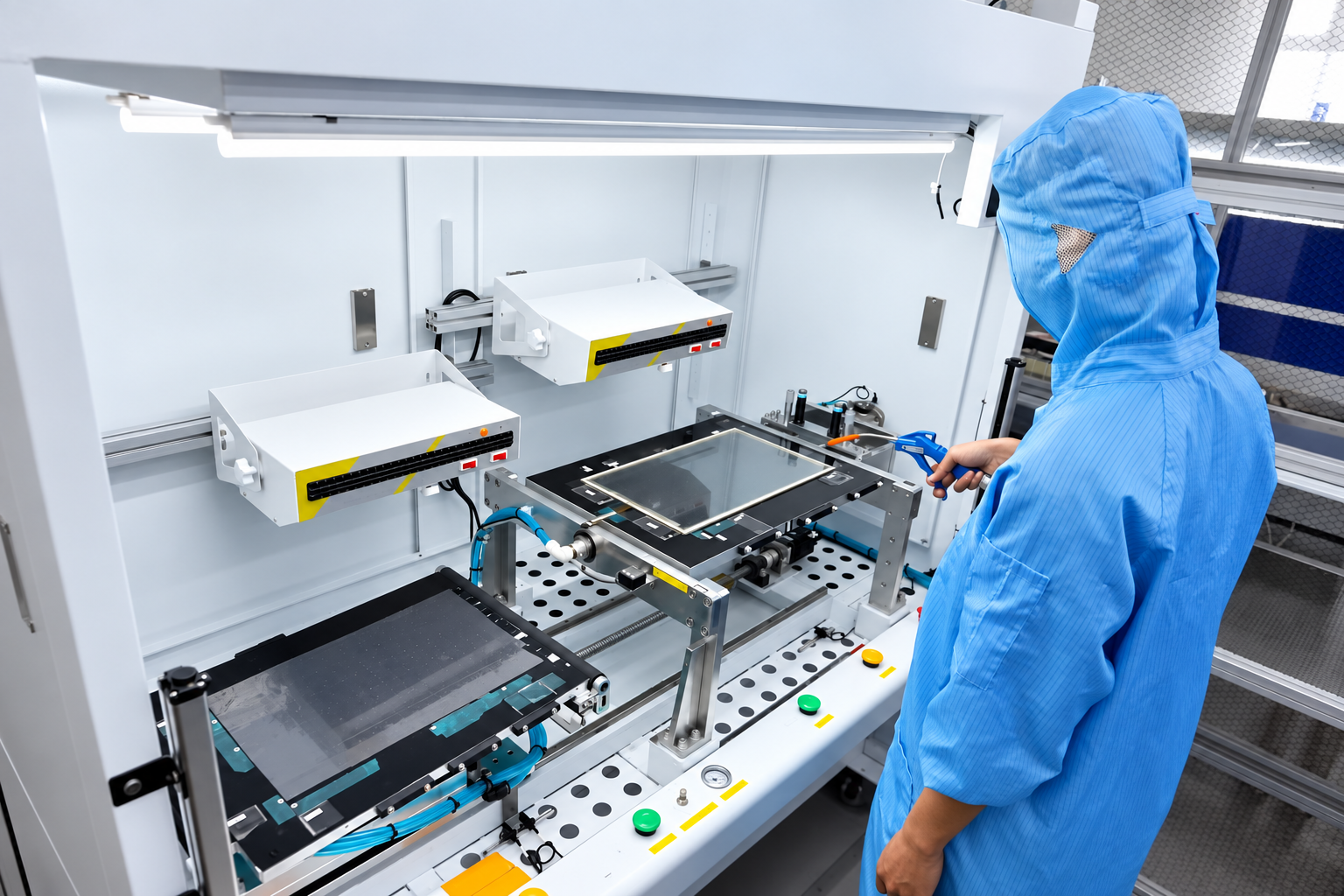
03 / PRODUCTION OPERATION
Carry out the prepared bonding operation.
The technician operates the workstation during production. The photograph shows panel handling at the production station; the opening video shows a short equipment operating sequence.
- Handle the panel at the workstation
- Follow the prepared equipment sequence
- Maintain the agreed alignment and handling requirements
OCA optical bonding inspection criteria
Define the acceptance criteria before production. The review should address the bonded area and the requirements of the supplied components.
Optical appearance
- Visible bubbles and trapped particles
- Alignment and edge condition
- Visible defects in the viewing area
Project requirements
- Agreed viewing and inspection conditions
- Touch and display checks, where included
- Environmental validation, where specified
The production excerpt does not show the complete process or the inspection result. Limits, sampling and any additional validation are agreed for the project.
Let’s define your OCA bonding stack.
Send the information below so we can review your OCA bonding stack. Suitability and numerical limits are confirmed for the selected components.
- Panel and layer geometry: overall dimensions, viewing area, layer drawing and alignment references.
- Components and materials: cover material, touch sensor and LCD model; identify customer-supplied parts and available drawings.
- Application: installation environment, storage and powered-operation requirements, and display or touch targets.
- Inspection and delivery: appearance criteria, functional checks, sample quantity, production quantity and target date.
Review quality assurance and inspection planning, compare LOCA optical bonding, or explore railway HMI integration requirements.
Prepare the project brief checklist and review our quality assurance process when defining the requirements.