





Industrial display components need to match at their mechanical, touch and electrical interfaces before they become a complete assembly. A front housing provides support and mounting features, a touch panel captures operator input, and a printed circuit board assembly (PCBA) carries the electronic components assigned to its function.
VANESEN’s workshop video shows this preparation stage: semi-finished parts arranged on workbenches, metal front housings, and protected assemblies introduced as touch-panel and PCBA assemblies. Looking at these parts together helps explain why dimensional accuracy, surface condition and component compatibility matter before final assembly.
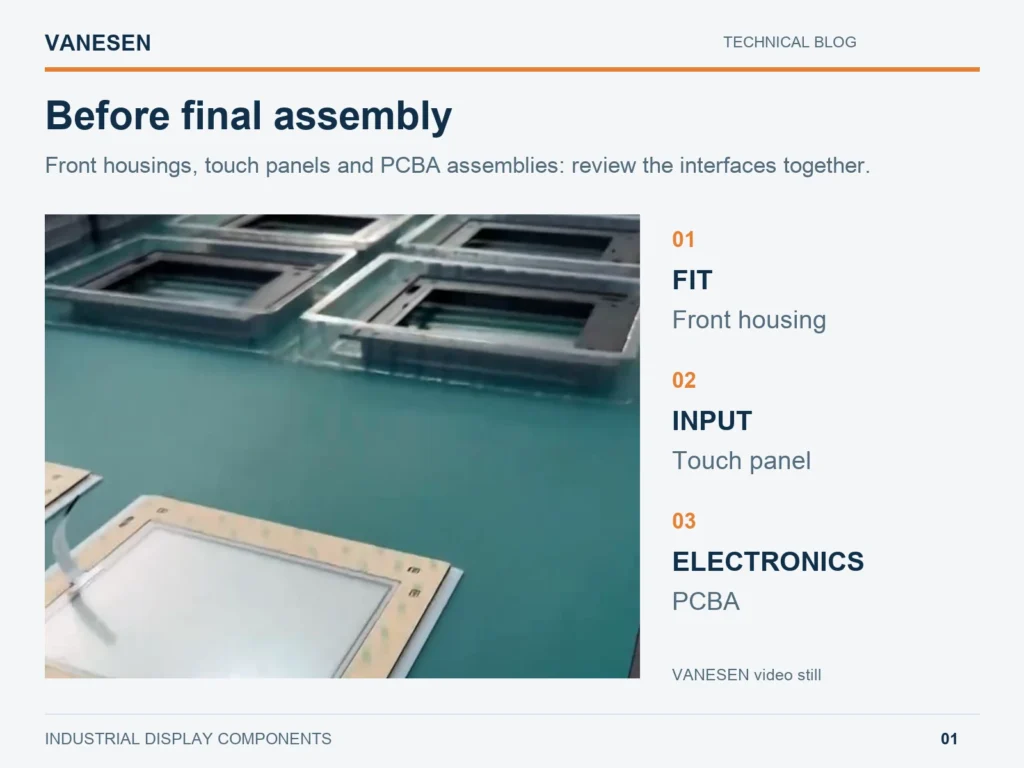
Figure 1. Semi-finished display components in the supplied VANESEN workshop video. These parts are shown before completion of the final assembly.
Three component groups, three different jobs
The parts on the bench contribute to different aspects of an industrial human–machine interface (HMI). Their roles should be clear before checking how they fit together.
| Component group | Main role | What must match |
|---|---|---|
| Metal front housing | Supports and locates the front assembly | Panel outline, front opening and fixing positions |
| Touch panel | Detects operator input at the front surface | Viewing window, mounting arrangement and selected touch electronics |
| PCBA | Carries components for the specified electronic functions | Board position, connector access and approved electrical connections |
The touch panel and the image-producing display have separate jobs. A touch panel detects input; the display presents the image. A PCBA may support touch, keypad, illumination or other functions, depending on the design. Its exact role comes from the circuit documentation, rather than the appearance of a packaged module.
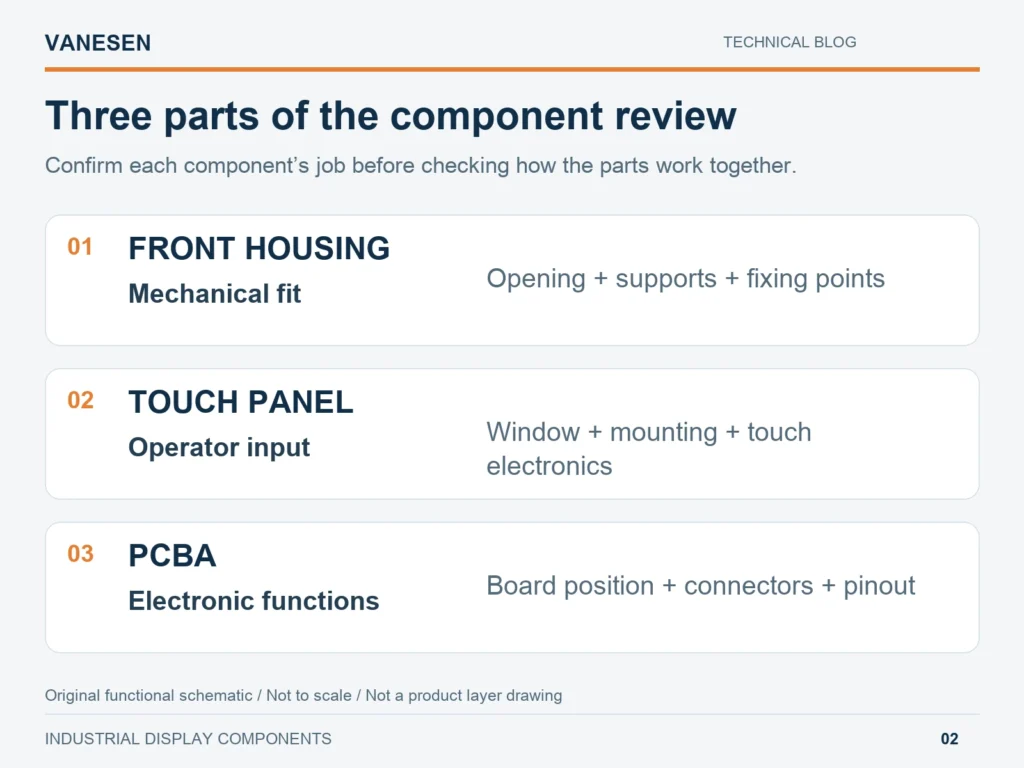
Figure 2. Original functional schematic, not to scale. The diagram groups review points; it does not show the filmed product’s layer sequence or wiring.
Metal front housings: locate the parts without forcing the fit
The metal frames shown in the video provide a useful starting point for understanding mechanical preparation. A front opening must align with the intended viewing window, while fixing features locate the assembly within the available space.
Review the housing and mating-part drawings together. Check the opening, support surfaces and fixing positions against the same references. A part can meet its own overall dimensions yet still create an assembly problem if its mounting points do not match the mating component.
During a trial fit, investigate any interference before tightening the assembly. The mounting arrangement should provide support without using fastener force to pull a misaligned panel into position. For projects involving several component suppliers, VANESEN’s component selection and sourcing service reviews the parts as a connected set.
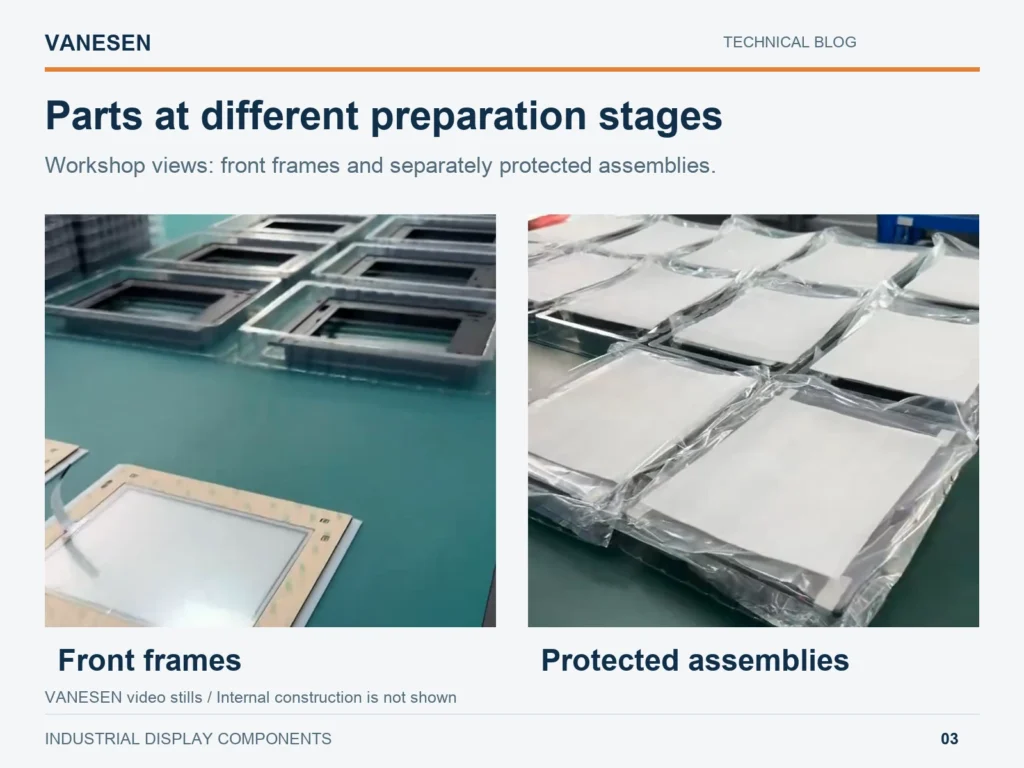
Figure 3. Two views from the supplied video: front frames and protected assemblies. The coverings limit what can be identified inside each assembly.
Touch panels: keep the sensing area and mounting boundary clear
A touch panel needs both mechanical support and a compatible input path. Its usable area must agree with the front window, and its mounting must follow the selected panel’s requirements.
Confirm the panel model and touch technology before choosing clearances, adhesive or gasket arrangements. Capacitive and resistive constructions can require different treatment; a mounting detail for one sensor should not automatically be copied to another.
Where a flexible tail is used, leave room for the specified route and connector access. Avoid sharp folds, tension at the panel connection and contact with sharp housing edges. Handle the panel by its supported body rather than lifting it by the tail. Any numerical bend limit belongs to the selected component’s documentation.
PCBA assemblies: confirm the board’s task and connections
PCBA means printed circuit board assembly: a board populated with electronic components. For a display project, identifying the board’s task is more useful than describing every board as a “display controller.”
Match the approved board reference to its mounting points and required connections. Confirm connector orientation, pin assignments and power requirements before connecting it to another assembly. A connector that physically mates is only one part of this check.
The workshop video introduces PCBA assemblies but does not reveal a complete circuit or connector specification. For the actual build, use the board documentation to define which connections and functions require verification.
A short review before the parts move into assembly
The preparation stage is an opportunity to check the component set while the individual parts remain accessible. The following is a proposed review, rather than a list of tests demonstrated in the video.
- Identify the set. Match the housing, touch panel and PCBA to the approved parts list and drawing revisions.
- Review the mating features. Check the front opening, support locations, fixings and connector access together.
- Inspect visible condition. Look for damage or contamination on the surfaces that will be visible, bonded or connected.
- Check the specified functions. Use the appropriate fixture and documented criteria for the touch panel and electronic assemblies.
- Maintain protection. Keep the checked parts supported and identified during transfer to the next operation.
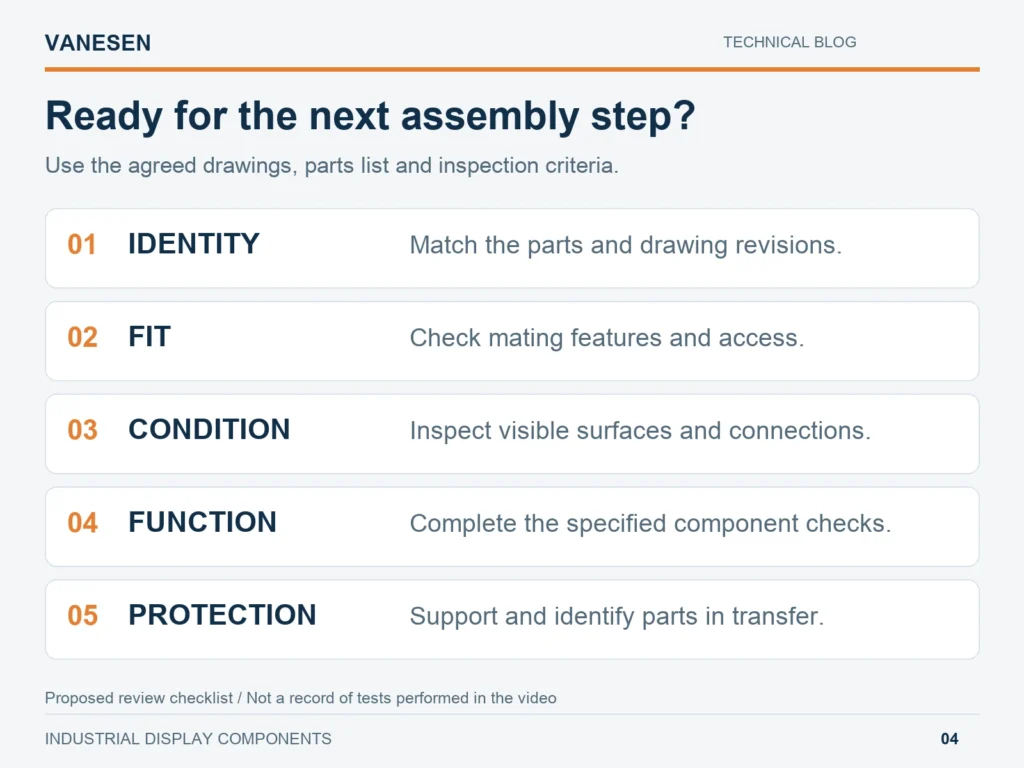
Figure 4. Original preparation checklist. Inspection methods and pass limits are defined for the actual component set.
The video shows protective coverings and trays. Suitable protection helps prevent contact damage and contamination between operations. For electronic parts, also confirm the packaging and handling provisions for electrostatic discharge (ESD); the appearance of a clear bag alone does not identify its ESD properties.
A workshop view can show the parts and their handling, but measured accuracy and functional acceptance require inspection records. The supplied video does not establish numerical tolerances or test results. Keep those records linked to the component and revision actually checked.
Bring your display components together with VANESEN
These semi-finished parts show the connection between mechanical manufacturing and display assembly: the housing, touch panel and electronics need compatible interfaces before the next build step. VANESEN’s display and HMI assembly service brings the selected parts together around an approved layout.
For the wider process, read our industrial display integration guide. To discuss your own component set, send the front-housing drawing, touch-panel model, PCBA reference and connection requirements. Include the sample quantity and checks needed before assembly. Contact VANESEN to review the next step.